











The modern workplace depends on effortless teamwork across different locations and time zones. Every project needs shared spaces where people exchange ideas faster and stay on the same page. Therefore, the best team collaboration tools simplify work and connect teammates instantly. They also bring tasks and files together, helping teams finish goals efficiently. So, this guide highlights the best team collaboration tools and practical benefits for every organization.
Why Team Collaboration Software Matters for Modern Teams?
Modern teams rely on team collaboration tools to maintain connections and boost performance worldwide. Thus, the points below explain the major benefits for productivity and organizational success:
- Adoption Growth: According to Market.us, nearly 80% of global employees now use collaboration tools daily for work. This percentage climbed 44% since 2019, showing a huge reliance on digital teamwork solutions.
- Productivity Boost: Borderless states that organizations using such tools report 20–25% higher efficiency in daily workflow. Furthermore, employees complete tasks faster, saving time while improving coordination and clarity within their groups.
- Innovation Impact: Teams collaborating effectively demonstrate nearly 60% better innovation in combined project development. So, communication flows quickly, helping creative ideas grow faster and reach stronger business outcomes.
- Employee Satisfaction: One Zoom report reported that 71% of leaders confirm that collaboration platforms create more engaged workers. Besides, these tools reduce pressure and help companies retain skilled employees longer.
- Market Expansion: The global market may hit 36.8 billion USD by 2032 and growing 7.7%, says Mosaic. Hence, this steady expansion highlights how collaboration technology keeps driving modern teamwork success.
10 Best Team Collaboration Software in 2026
Modern businesses utilize professional online collaboration tools to connect global staff members effectively. Thus, the following list details the 10 top platforms along with their specific pricing and features:
1. Slack
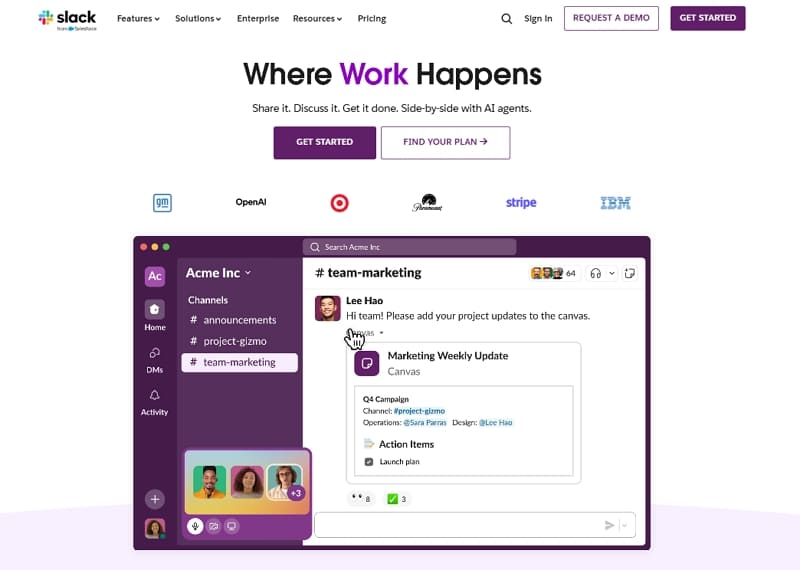
Best For: Fast real-time communication, deep app integrations, and tech-driven projects for remote agencies.
Slack remains a leader among collaboration tools for teams by centralizing daily work. This platform provides instant messaging through organized channels to keep conversations very clear. Additionally, users can initiate quick audio huddles to address pressing matters rather than prolonged meetings. Moreover, it has 2,600 external applications that let you automate your entire business. Native AI features summarize long threads, so workers never miss important project details.
Pros
- Smart AI summaries help users catch up on long conversations very quickly, saving 97 min weekly.
- Integrations combine data sources, boosting team productivity by nearly 35%.
Cons
- Constant alerts can cause significant distraction for busy people during their day.
- Too many channels might feel messy for new and less technical users.
Pricing Plans
| Pro | $8.75 per user per month |
|---|---|
| Business+ | $18 per user per month |
2. Microsoft Teams
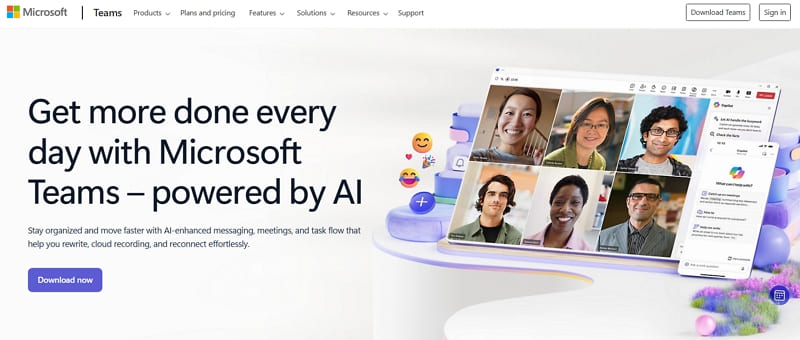
Best For: Large enterprises, along with organizations already using the Microsoft 365 suite.
One tool that also serves as a great hub of companies that need deep integration of documents is Microsoft Teams. Alongside that, the system allows 300 people to join a single video call simultaneously today. Additionally, users edit Word or Excel files together without ever leaving the main platform. It also features superior security to protect data from any threats, making it one of the best collaborative online tools.
Pros
- Live captions work in 30 languages to help international teams communicate better.
- Businesses get 1 TB of cloud storage per person on most paid plans.
Cons
- Managing many different channels feels difficult for small groups with simple needs.
- Free versions limit meeting times to exactly 60 minutes for all users.
Pricing Plans
| Microsoft Teams Essentials (Business) | $4.00 user/month |
|---|---|
| Microsoft Teams Enterprise | $8.55 user/month |
| Microsoft 365 Business Basic | $6.00 user/month |
| Microsoft 365 Business Standard | $12.50 user/month |
3. Zoom Workplace
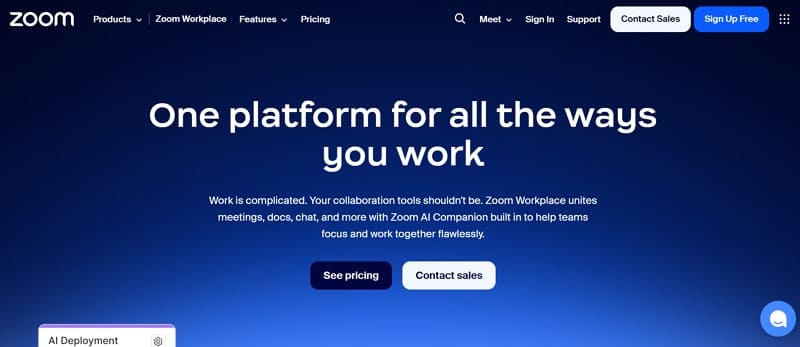
Best For: Meetings that are video-centric and elements that necessitate combined AI companions.
Zoom Workplace serves as a unified hub for modern collaboration tools for remote teams worldwide. Moreover, it combines meetings and even whiteboards into one unified platform. Users can even enjoy stable HD video for up to 30 hours on paid plans with reliable performance. Apart from that, the AI companion generates agendas and action items automatically during sessions.
Pros
- HD video is useful with 1,000 participants, which best fits a webinar or a corporate town hall.
- Zoom supports 30 languages for live captions during international video calls.
Cons
- Free accounts limit group video calls to exactly 40 minutes per session.
- Some users experience lag when sharing quality multimedia during very large meetings.
Pricing Plans
| Pro | $16.99/user per month |
|---|---|
| Business | $21.99/user per month |
4. Asana
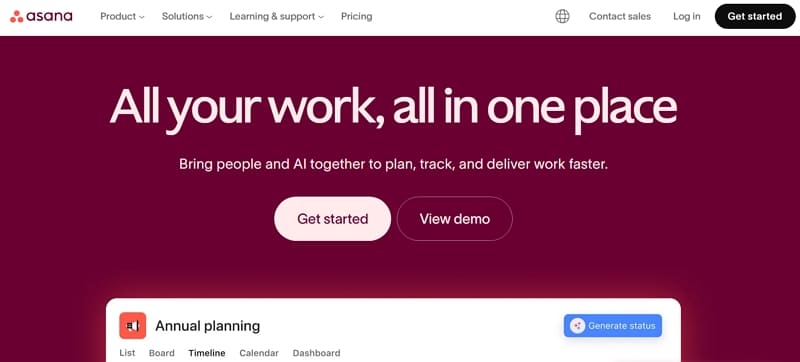
Best For: Complex project tracking and teams needing highly visual task management structures
Among the best collaboration tools for remote teams needing structure, Asana also stands out. In addition, it offers detailed timelines and Kanban boards for tracking complex project progress. Besides, Asana integrates with 200 external applications, like Salesforce. Furthermore, smart AI features suggest task priorities to help managers organize their entire workload.
Pros
- Multiple views, like Gantt charts, help teams visualize project deadlines very clearly.
- Advanced reporting features give managers 100% visibility into current team performance levels.
Cons
- Essential features like timelines require a paid subscription for every team member.
- Small teams might find some of the latest features a bit overwhelming and complex.
Pricing Plans
| Starter | $13.99 per user, per month |
|---|---|
| Advanced | $30.99 per user, per month |
5. Monday.com
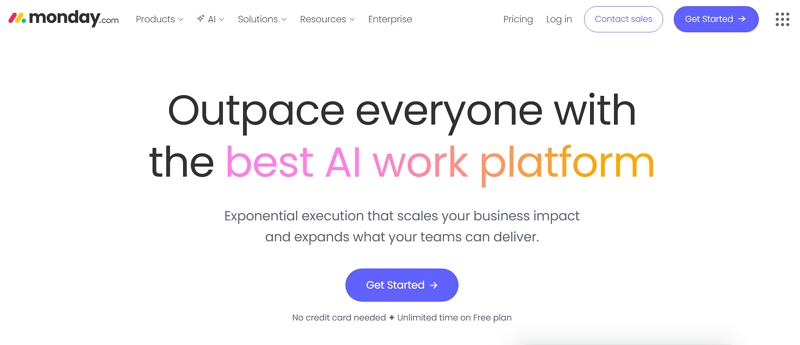
Best For: Highly visual workflow customization and tracking complex team projects with automation.
Monday.com provides a colorful and intuitive workspace among popular inter-team collaboration tools. Moreover, the platform uses 27 different task views to help teams visualize their progress. Users can also choose between Kanban boards and even Gantt charts for every project. It also has a no-code automation builder, which manages 250,000 monthly actions in large teams. Additionally, the system integrates with 200 external applications, like Slack.
Pros
- Dashboards combine data from 50 boards to provide a clear executive business overview.
- In addition, highly responsive support teams offer 24/7 help through live chat and video calls.
Cons
- Minimum 3-user seat requirements make it costly for very small startup teams.
- Designing complex multi-team workflows takes significant time for new staff members.
Pricing Plans
| Standard | $14 seat /month |
|---|---|
| Pro | $24 seat /month |
6. Trello
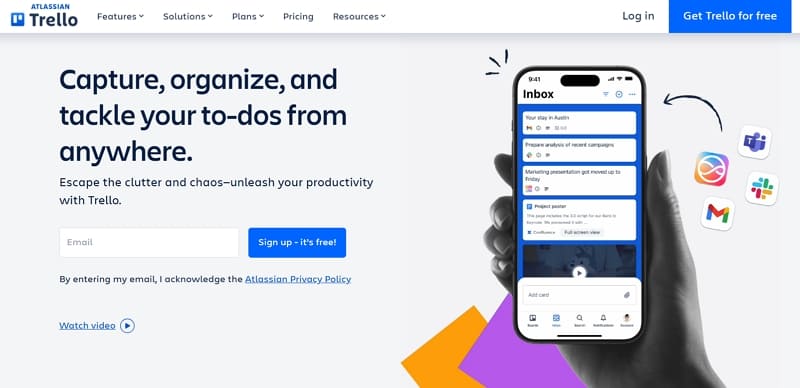
Best For: Individuals and small groups needing simple Kanban boards for basic task management.
Trello shines among free online collaboration tools with intuitive Kanban boards for quick organization. Besides, users drag cards across lists like “To Do,” “Doing,” and “Done” effortlessly. Moreover, the platform supports unlimited cards and 10 boards on free plans for small teams. It also adds calendar views and custom fields to enhance basic functionality. Apart from that, Butler automation moves cards and sends notifications automatically based on rules.
Pros
- Power-ups connect your boards to over 200 popular business and social apps.
- Trello integrates Google Drive and Slack, centralizing files within visual boards.
Cons
- Large boards with 100+ cards become cluttered without regular manual organization.
- Enterprise governance features are weaker than those found in more robust management tools.
Pricing Plans
| Standard | $5 per user/month |
|---|---|
| Premium | $10 per user/month |
| Enterprise | $17.50 per user/month |
7. ClickUp
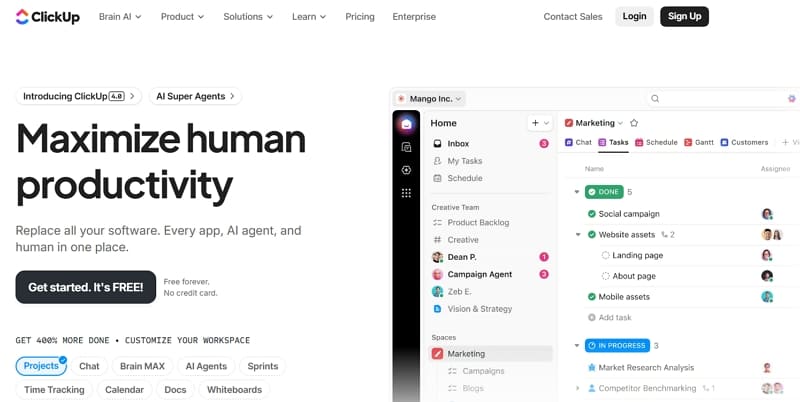
Best For: All-in-one work management and teams wanting to consolidate tasks and goals.
Another powerful leader among team collaboration tools for scaling digital businesses is ClickUp. Users can access 15 different task views to manage their entire project workload. Furthermore, the software includes 1,000 monthly automation runs on the affordable paid unlimited plan tier. Besides, smart AI features summarize long comment threads to keep every single worker updated daily. Additionally, it can be integrated with several applications, including Google Drive.
Pros
- Live progress on 50 projects can be viewed on highly customizable dashboards.
- Native whiteboards help remote teams brainstorm creative ideas together.
Cons
- Occasional performance lag occurs when loading very large and data-heavy project boards.
- Notification settings require careful tuning to avoid constant and distracting digital alerts.
Pricing Plans
| Unlimited | $10 per user/month |
|---|---|
| Business | $19 per user/month |
8. Smartsheet
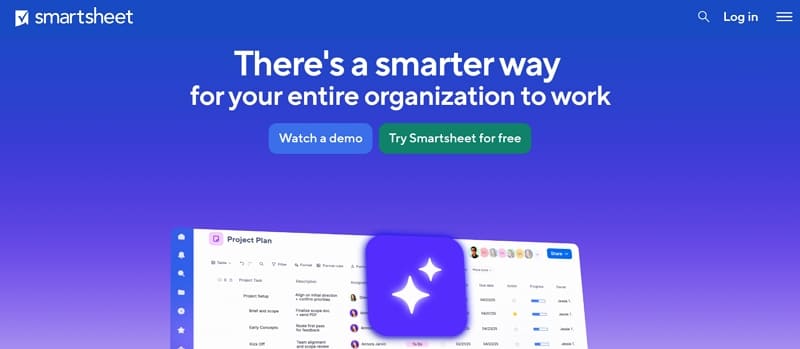
Best For: Operations and PMO teams needing a spreadsheet-style interface with advanced project management features.
Smartsheet provides a powerful grid-based environment among the most reliable team collaboration software. This platform also integrates common spreadsheet-based functionality with Gantt charts and auto request forms. Moreover, grid and timeline views can be swapped to enhance the visibility of the users. Additionally, it even has a no-code automation builder to simplify the process of approvals and alerts.
Pros
- Familiar spreadsheet layouts allow Excel users to adapt to the system very quickly.
- Detailed resource heatmaps allow managers to balance team workloads across many projects.
Cons
- Advanced features like timeline views are restricted to the more expensive tiers.
- Real-time dashboards sometimes lag when pulling data from several large, complex sheets.
Pricing Plans
| Pro | $12 per member/month |
|---|---|
| Business | $24 per member/month |
9. Google Workspace
Best For: Startups and distributed teams needing an integrated email and editing.
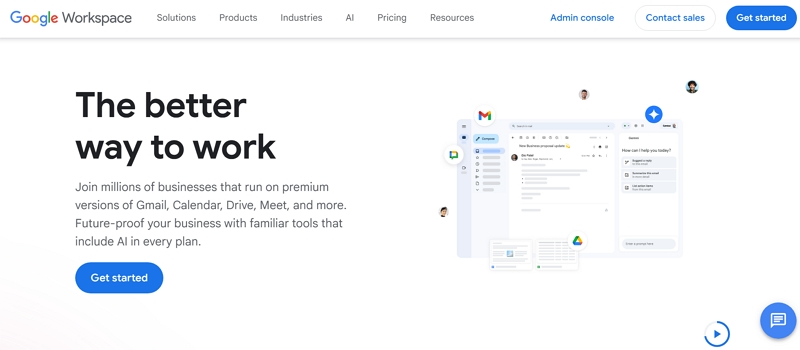
Google Workspace also stands out among online collaboration tools with effortless real-time document editing features. Additionally, it provides people with an opportunity to co-edit Docs and Slides with live cursor tracking visible. Plus, the platform bundles Gmail and Meet into a single, cloud-first productivity ecosystem. Besides, all of this is done without installing complicated software, and it all occurs inside the browser.
Pros
- Business plans include 2 TB of storage per user at competitive pricing levels.
- Includes Gemini AI that summarizes 100-page reports in under 2 minutes automatically.
Cons
- Meet caps free calls at 60 minutes, limiting longer team brainstorming sessions.
- Moving data from legacy systems like Microsoft 365 requires significant technical effort.
Pricing Plans
| Starter | $8.40 USD per user/month |
|---|---|
| Standard | $16.80 USD per user/month |
| Plus | $26.40 USD per user/month |
10. Notion
Best For: Startups and power users needing a flexible workspace for wikis and documentation.
Notion is a highly customizable hub among the top collaboration tools for teams, offering flexible blocks for endless customization. Furthermore, it features a dedicated wiki section for storing important company SOPs and meeting notes. Also, advanced AI agents automate repetitive task management and data analysis across your entire workspace. In addition, the system connects with 100 external applications like Slack and Google Calendar for syncing.
Pros
- Powerful databases easily transform from simple tables into visual Kanban boards or timelines.
- Users enjoy real-time co-editing features that allow for effortless remote teamwork.
Cons
- Setting up advanced automation requires a deep understanding of the platform’s database logic.
- In addition to this, it lacks native Gantt charts and resource allocation for enterprise PM needs.
Pricing Plans
| Plus | $12 per member/month |
|---|---|
| Business | $24 per member/month |
How ZEGOCLOUD Helps Build Team Collaboration Tools
Many teams building collaboration tools for remote teams face challenges with video quality and latency. Therefore, ZEGOCLOUD solves these issues through powerful SDKs and APIs. Video call SDK delivers 4K resolution for crisp visuals during meetings. Besides, users experience ultra-low latency of 300ms for smooth interactions. Moreover, developers can scale calls up to 10,000 participants without performance drops. On the other hand, the voice call SDK provides 48kHz high-fidelity audio for crystal-clear conversations.
In addition, it maintains a 300ms latency while efficiently handling 10,000 audio participants. Furthermore, developers can reach 15,000+ end-user devices across all platforms instantly. Similarly, the In-app Chat SDK supports rich media, read receipts, and typing indicators perfectly. Users can also brainstorm ideas using the Super Board SDK for interactive live digital whiteboarding. Finally, the enterprise-grade encryption and 99.99% uptime guarantee maximum security and reliable service performance.
Conclusion
In summary, effective team collaboration tools transform how groups work together across distances and time zones. So, this guide reviewed the top 10 solutions with their strengths and ideal users clearly. However, generic apps may not fit your specific business needs or security rules. If you need a custom solution with quality, you should choose ZEGOCLOUD. Its advanced SDKs let you build private video and chat features very quickly.
FAQ
Q1: What is a team collaboration tool?
A team collaboration tool is software that helps teams communicate, share files, manage tasks, and work together in real time. It centralizes conversations, documents, and project updates so teams can stay aligned and productive, especially in remote or hybrid environments.
Q2: What are the 5 C’s of collaboration?
The 5 C’s of collaboration are communication, coordination, cooperation, commitment, and creativity. Together, these elements ensure teams share information clearly, organize work effectively, stay accountable, and contribute ideas toward common goals.
Q3: What is the best team collaboration tool?
The best team collaboration tool depends on your business needs. Platforms like Slack, Microsoft Teams, and Asana are popular choices, but the right option should match your team size, workflow, and existing tech stack.
Q4: What are examples of collaboration tools?
Examples of collaboration tools include Slack for messaging, Zoom for meetings, Google Workspace for document sharing, and Trello for task management. These tools support communication, coordination, and productivity across teams.
Let’s Build APP Together
Start building with real-time video, voice & chat SDK for apps today!
