










With the involvement of real-time communication tools, developers are starting to feel the limitations of relying on a single platform. It could be due to pricing concerns, scalability challenges, or missing features; the gaps can slowly restrict flexibility. Similarly, Pipecat alternatives are gaining traction as teams seek solutions that align with specific use cases or tech stacks. Therefore, to compare performance or integration capabilities, explore the top-rated Pipecat alternative.
What is Pipecat?
Pipecat is an open‑source Python framework for building real-time voice and multimodal AI agents that can talk with users through streaming audio. Moreover, it helps developers connect different pieces like speech recognition, large language models, and text-to-speech in one continuous pipeline. This way, agents can listen, think, and respond in real-time instead of waiting for complete recordings.
Rather than hiding everything behind a managed service, Pipecat AI exposes a full conversational loop in your code. Hence, you can control how audio is processed, when the model is called, and how interruptions are handled. Plus, it’s a good fit for teams that want fine-grained control over custom voice assistants, support bots, or agents. It suits those who run their infrastructure and like the flexibility of a free, open-source tool.
Key Features of Pipecat
To understand what Pipecat is, review the listed key features and evaluate the capabilities it offers in building real-time solutions:
- Pipeline-Based Orchestration: It allows you to build real-time voice and multimodal agents as a pipeline of small steps, such as converting text to speech. However, each step is a separate, modular component, enabling users to clearly see and control data flow through the system.
- Frame-Based Streaming and Interruptions: Pipecat uses a frame-based model, meaning audio, text, and control events are handled as small, structured chunks. This makes it easier to stream partial responses, react quickly when a user interrupts, and keep conversations feeling natural.
- Pluggable Components and Provider Choice: You are not locked into one vendor for speech recognition or text-to-speech because Pipecat enables swiping providers without changing the pipeline. Thus, it’s easier to experiment with different services, switch vendors for cost or quality reasons, or integrate multiple providers into an application.
- Transport and Connection Flexibility: This tool keeps your agent logic separate from how users connect, supporting transport such as WebRTC and WebSockets. It means you can reuse the same core agent code across different environments, such as web apps or custom devices.
- Voice Activity Detection and Turn-Taking: This Pipecat AI framework supports voice activity detection (VAD), allowing your agent to detect when a user is speaking. Moreover, it helps with natural turn-taking in live conversations, reducing awkward pauses, and making it easier to start/stop processing audio.
- Structured Conversation and Tooling: Services like Pipecat include tools for defining conversational states and transitions, letting you design more guided or rule-based interactions. Additionally, it comes with SDKs, CLI tools, and debugging utilities, making it easier to develop, test, and deploy real-time agents.
Advantages & Disadvantages of Pipecat
Many businesses look for practical Pipecat examples after reviewing its strengths and weaknesses. With this context in mind, let’s break down the key advantages and disadvantages in this section for better decision-making:
Advantages
- Provides complete control over how your voice or multimodal AI agent works in real time.
- Flexible framework design; you can customize pipelines and agent behavior for many different use cases.
- Users can plug in different LLMs and text-to-speech services without being locked into a single vendor.
- Built specifically for low‑latency, real-time interaction, making it good for natural voice conversations and interruption handling.
- Open‑source and extensible, so you can read the code, modify it, and add new features.
Disadvantages
- Requires more engineering effort because your team must design and maintain the real-time pipelines.
- No built‑in hosting or automatic scaling; you are responsible for infrastructure, monitoring, reliability, and deployment.
- Fewer out‑of‑the‑box extras like dashboards, analytics, or agent management tools compared to competitors.
- Has a learning curve, especially if your team is new to streaming audio, concurrency, and low‑latency real-time systems.
- It can be harder to estimate total costs up front because you handle your own hosting, scaling, and monitoring expenses.
Pipecat Pricing
Pipecat AI is itself free to use because it is an open-source framework with no licensing or per-usage fees. Moreover, you can download it, build your own real-time voice or multimodal agents, and deploy them without paying anything. Still, you have to pay for everything around it, like servers or cloud services that host and scale your real-time pipelines.
Furthermore, any third-party AI services you plug in, such as speech recognition, LLMs, and text-to-speech or media services. This means the “pricing” for using Pipecat is really your total operational cost, depending on your traffic or your architecture. Besides this, it depends on which external provider (and pricing tiers) you choose.
Why You Need a Pipecat Alternative?
As your application grows and requirements become more intense, depending on Pipecat, it can reveal limitations from many perspectives. Therefore, this section highlights reasons why you need a Pipecat alternative, especially when scalability and flexibility are concerned:
- For Less Infrastructure Work: If you want something “just work” with built-in hosting, scaling, and monitoring, a managed platform can save a lot of DevOps effort.
- Need Richer Built-In Features: For teams that need features ready-made, so non-engineers can monitor agents or adjust behavior around the core engine.
- Your Case is More than Voice: When the product relies heavily on other modes, such as video rooms or screen sharing, an alternative can align better.
- Prefer Tighter Real-Time Integrations: Some competitors integrate deeply with existing real-time infrastructure, enabling low-latency and reliability without stitching everything together yourself.
- You Want Clear Cost Predictability: With Pipecat, there is no fixed platform price, so for a predictable bill, you’ll need to consider a managed alternative.
10 Best Pipecat Alternatives Compared
The limitations of Pipecat AI help you better evaluate why alternatives are often considered for different performance, scalability, or integration needs. With that in consideration, below are the top 10 alternatives, highlighting how each option differs in features and use cases:
1. ZEGOCLOUD
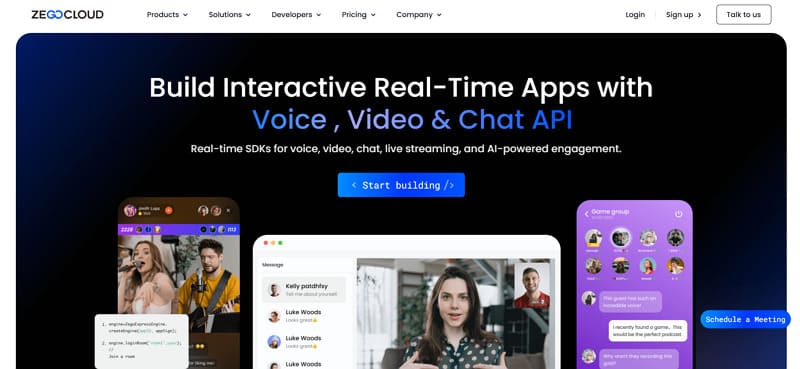
ZEGOCLOUD offers a Conversational AI API that enables developers to build real-time voice agents with natural, low-latency interactions. It supports full-duplex communication, allowing users and AI agents to speak simultaneously without delays. This Pipecat alternative integrates easily with LLMs, speech-to-text, and text-to-speech services to create seamless conversation flows. Developers can manage sessions, interruptions, and turn-taking logic efficiently through event-driven architecture.
Additionally, built-in features like noise suppression, echo cancellation, and adaptive networking ensure stable communication quality. With support for web, mobile, and desktop platforms, it also helps deploy scalable conversational AI applications across multiple environments quickly. This makes it suitable for use cases like virtual assistants, customer support bots, and real-time voice interfaces.
Key Features
- Quality Optimization for Audio Calls: You can monitor the call quality in real-time to deliver a smooth experience across different devices.
- Flexible Integration with Other AI Services: The platform is designed for supreme integration flexibility, meaning you can combine its SDKs with any LLM or ASR.
- End-to-End Real-Time Communication Stack: It gives you an end-to-end stack for real-time communication, covering voice, video, and chat through flexible APIs.
- Designed for Crafters and Complex Products: Their positioning “for crafters” highlights that the SDKs are for teams who want power and control, not just a no-code widget.
- Ultra-Low Latency and High Network Reliability: Offers an average global latency of 300ms, with a record of 79ms, delivering a smooth experience even under a weak network.
Pricing Plans
| Plan | Pricing |
|---|---|
| Video | Starts from $0.99/1000 minutes |
| Voice | Starts from $3.99/1000 minutes |
| In-App Chat | Starts from $99/month |
| Live Streaming | Starts from $0.99/1000 minutes |
2. LiveKit Agent
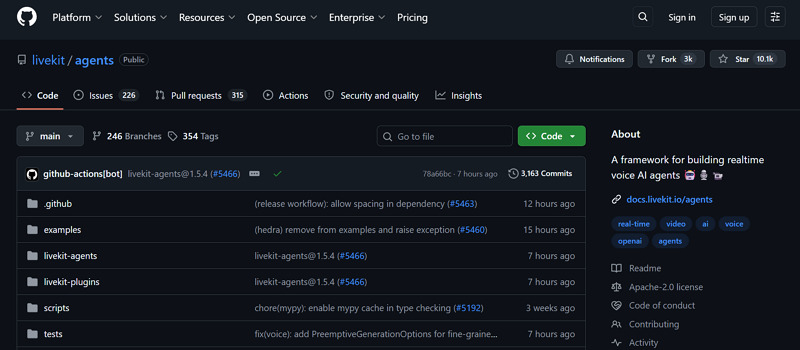
In a comparison of LiveKit vs Pipecat, the LiveKit agent is designed to work hand-in-hand with LiveKit’s open-source real-time media infrastructure. Moreover, it lets you run AI agents as if they were real participants inside LiveKit audio or video rooms. This means an agent can join calls, hear everyone, see who is speaking, and respond in real time alongside users.
Key Features
- You can reuse the same LiveKit rooms, tracks, and signaling you already use for human calls.
- Built for multi-user rooms where several participants talk, and the agent handles them all together.
- Agents can access detailed state information about the room, including participants’ roles and media status.
Pricing Plans
| Plan | Pricing |
|---|---|
| Free | Free for basic individuals and organizations |
| Team | Around $4/month for advanced collaboration |
| Enterprise | Starts from $21/month and more |
3. Vocode
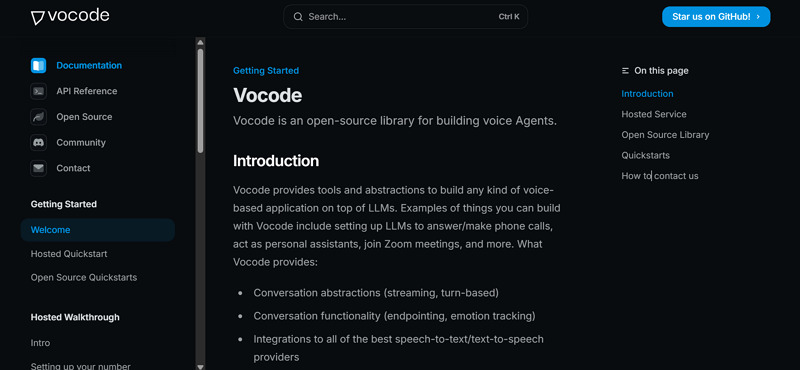
Vocode is another Pipecat example alternative that gives building blocks to create voice applications that run on top of language models. The hosted service lets you automate inbound and outbound calls via API to build AI call centers or follow-up agents. Additionally, it incorporates high-level conversation features such as endpointing, emotion tracking, and caller feelings.
Key Features
- It integrates users with multiple speech-to-text and text-to-speech providers to choose the best-suited one.
- You can select between a managed, hosted service and open-source libraries you can run yourself.
- Users can program agents to execute custom tasks during calls and integrate them with their own system.
Pricing Plans
| Plan | Pricing |
|---|---|
| Open-Source Library | Free to self-host; no platform fee |
| Free/Hobby Tier | Free for limited usage |
| Developer Plan | About $25/month higher limits and features |
| Business/Enterprise | Custom pricing (contact sales) |
4. Dograh AI
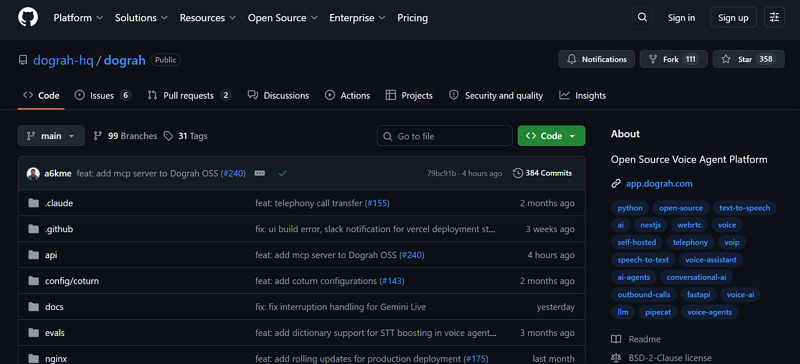
With Dograh AI, you can create a voice agent from the dashboard in about 2 minutes by choosing inbound and outbound calls. Simply write a short description of the use case that becomes the LLM prompt, and the LLM auto-generates a working workflow. Additionally, this Pipecat AI competitor provides a drag-and-drop workflow builder and pre-built templates for common use cases, such as support.
Key Features
- Offers end-to-end help from integration and workflow setup to analytics and optimization.
- You can develop Dograh in the cloud or self-host with flexibility for security and infrastructure choice.
- It can use top speech‑to‑text and text‑to‑speech providers to support multiple languages.
Pricing Plans
| Plan | Pricing |
|---|---|
| Open-Source Self-Host | Free platform fee; you pay VPS/infra + STT/TTS/LLM usage |
| Managed/Cloud (if any) | Not publicly listed |
5. Vapi
This Pipecat alternative, Vapi, is a hosted platform that enables developers to build and run advanced voice AI agents. It mainly focuses on making voice AI “API-native,” with everything, including agent configuration and call handling, exposed. Furthermore, Vapi supports over 100 languages, which is valuable when you need global coverage for one product.
Key Features
- You can “bring your own models” by plugging in your own API keys for transcription.
- It supports tool calling, allowing your agents to invoke your API during a call to fetch data.
- The platform provides thousands of pre‑made templates and configurable workflows to start from a proven pattern.
Pricing Plans
| Plan | Pricing |
|---|---|
| Free Tier | Free, limited features & usage |
| Builder Plan | Approximately $20/month, higher limits for indie devs |
| Pro Plan | Around $250/month, for teams & production apps |
| Enterprise | Custom pricing, higher scale & support |
6. SpeechBrain
SpeechBrain is an open‑source Python toolkit that covers many speech tasks in one place, including speech recognition and text‑to‑speech. Moreover, this competitor of Pipecat AI offers a wide range of audio utilities, including data augmentation and sound detection. With these tools, you can transform and analyze audio to make your downstream models work in noisy conditions.
Key Features
- Offer tools for training and using language models, from traditional n-gram models to modern language models.
- Users can build an end-to-end conversational system where you control both audio and text parts.
- Provides many pretrained models via SpeechBrain and Hugging Face with an easy Python interface for tasks.
Pricing Plans: SpeechBrain does not have a commercial pricing plan because it’s a fully open-source toolkit, released under Apache 2.0.
7. Aimybox
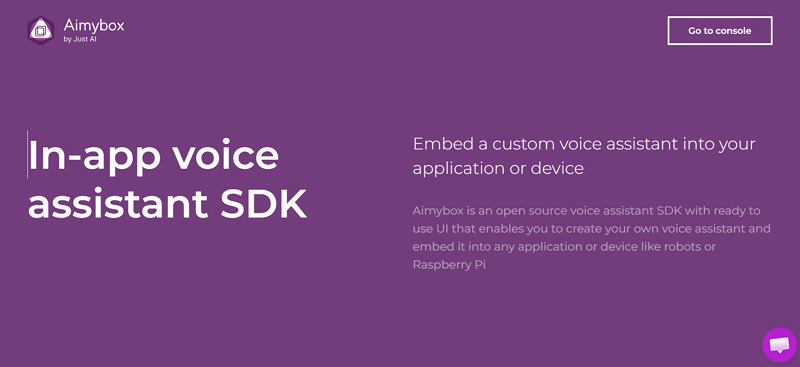
One more Pipecat alternative is Aimybox, an open-source SDK that lets you add a custom voice assistant. However, it focuses on “in-app” assistants rather than phone bots, allowing developers to make their apps respond to voice commands. Plus, the service includes ready-made UI components for voice interactions, so you don’t need to design everything from scratch.
Key Features
- Users can create custom voice skills that can call local services or external APIs.
- It provides official SDKs for Android and iOS, with guided tutorials to get started.
- You can plug it into different speech-to-text, text‑to‑speech, and natural language understanding providers like Google.
Pricing Plans
| Plan | Pricing |
|---|---|
| Open-Source SDK | Free (Apache 2.0 license, no platform fee) |
| Usage Costs | Pay only your own infrastructure + chosen STT/TTS/NLU APIs |
8. OpenAI Real-time API
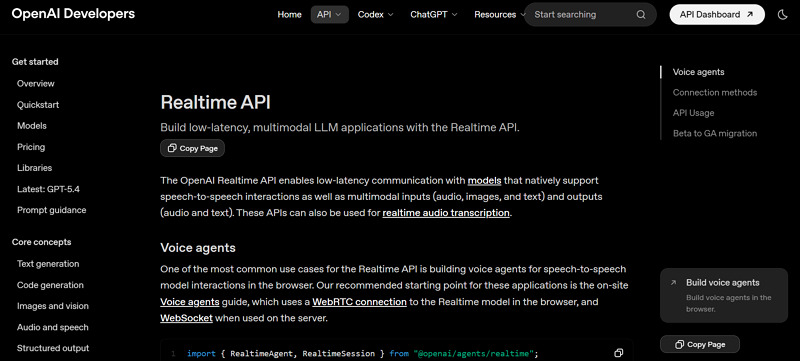
The OpenAI Real-time API lets you talk to models in real time with very low delay, supporting speech‑to‑speech interactions. Not only this, but you can stream audio to the model and receive a streaming response back; ideal for building a conversational agent. Its Agent SDK builds browser-based voice assistants that automatically connect to users’ microphones and speakers.
Key Features
- This Pipecat AI competitor can transcribe audio streams in real time over WebSocket.
- It also offers events and session lifecycle control that lets you manage conversations.
- You can connect to external tools or MCP servers to a Real-time session during a conversation.
Pricing Plans
| Plan | Pricing |
|---|---|
| GPT-Realtime-1.5 | Around $32/month for audio |
| GPT-Realtime-Mini | About $10/month for audio and text |
9. Google Gemini Live
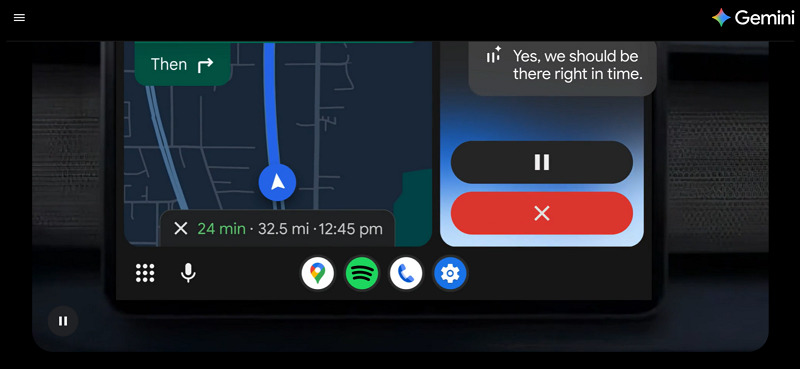
Google Gemini allows you to talk to Gemini in real-time using your voice, like speaking with a human instead of typing. Moreover, it is designed to handle natural, back-and-forth conversations like asking follow-up questions without restarting a chat. Plus, you can share your phone’s camera, so Gemini Live can see what you are looking at.
Key Features
- Users can also share the screen to choose photos and understand settings, or comment on pages.
- It goes beyond normal texting by letting you talk about what you are seeing or reading.
- This Pipecat alternative can integrate with Google apps such as Maps, Calendar, and Tasks.
Pricing Plans
| Plan | Pricing |
|---|---|
| Gemini Free | Free with basic Gemini Live access where available |
| Google One AI Premium/Gemini Advanced | Around $19/month with a complete feature suite |
10. Bland
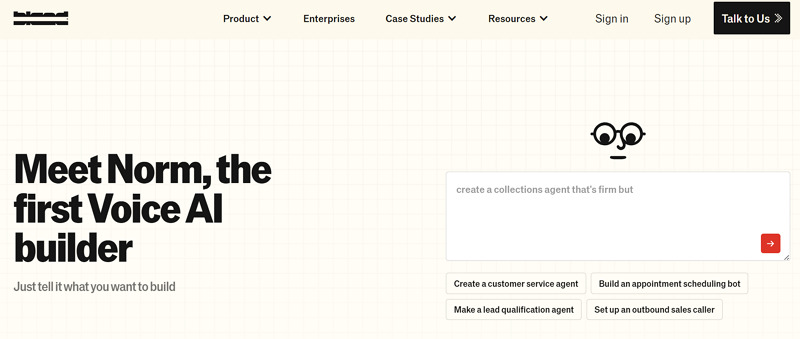
One of the most popular Pipecat examples is Bland, which is a managed platform for building voice AI agents. Additionally, it helps you make and receive phone calls, acting as a highly trained call center agent. Plus, Bland focuses on automating real business calls while aiming for high first-call resolution, natural conversation quality, and enterprise‑grade reliability.
Key Features
- Bland uses proprietary transcription, inference, and text‑to‑speech models tuned for real-time phone conversations.
- Includes tools to design end‑to‑end call flows, from greeting to collecting information, or transferring to a human.
- Integrates with major telephony providers and supports SIP, number porting, and batch calling.
Pricing Plans
| Plan | Pricing |
|---|---|
| Start | About $0.14 per minute for 100 calls/day |
| Build | Around $0.12 per minute for 2,000 calls/day |
| Enterprise | Custom prices |
Conclusion
In conclusion, although Pipecat can be a valuable solution for building real-time conversational applications, it may not always meet user needs. Moreover, developers today expect greater flexibility, advanced features, and reliable global performance, making exploring a Pipecat alternative not just optional. Among all, we recommend ZEGOCLOUD as the strongest competitor, which offers a complete suite of real-time communication capabilities.
FAQ
Q1: What is better than Pipecat?
The best alternative to Pipecat depends on your use case. If you need real-time voice interaction and low latency, platforms like LiveKit, Deepgram, or full-stack solutions with integrated RTC and AI capabilities may offer better performance and scalability.
Q2: What is the difference between Pipecat and LiveKit?
Pipecat focuses more on orchestrating conversational AI pipelines, while LiveKit is primarily a real-time communication infrastructure designed for audio and video streaming. In simple terms, Pipecat handles AI logic, while LiveKit handles real-time media delivery.
Q3: What is the most realistic AI voice clone?
The most realistic AI voice cloning solutions typically come from providers like ElevenLabs or similar advanced TTS platforms. These tools focus on natural tone, emotion, and low latency, making them suitable for conversational AI and voice agents.
Q4: What is the best open source conversational model?
Popular open source conversational models include LLaMA-based models and other community-driven LLMs. The best choice depends on your needs, such as performance, cost, and deployment flexibility.
Q5: What should you look for in a Pipecat alternative?
You should consider latency, scalability, ease of integration, real-time capabilities, and support for voice, video, and AI features when choosing an alternative.
Let’s Build APP Together
Start building with real-time video, voice & chat SDK for apps today!
