










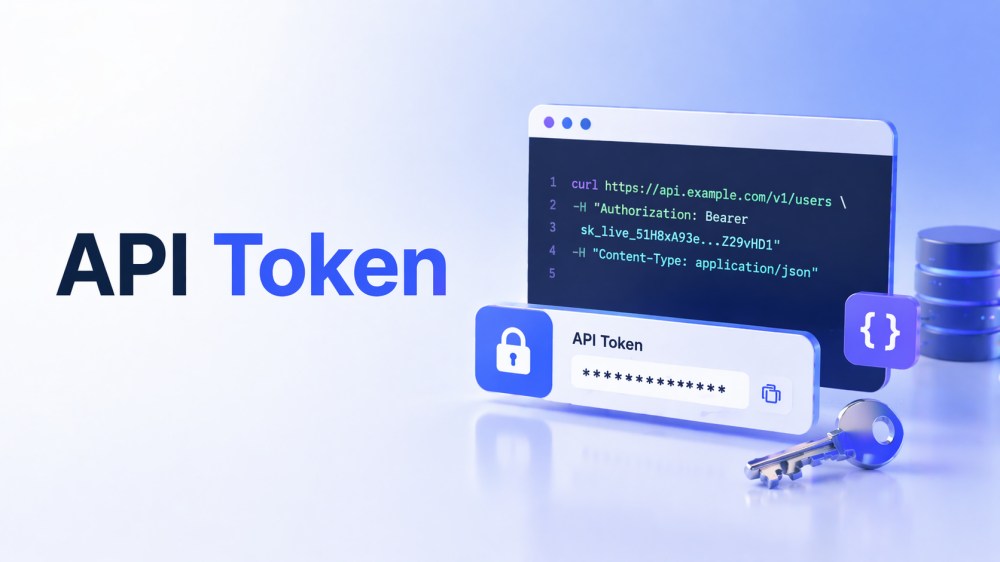
Digital systems today depend on smooth, secure communication among applications, services, and platforms. An API token here makes this possible by acting as a secure digital identifier that verifies requests without exposing sensitive details. Moreover, it eliminates the need to repeatedly share login credentials, reducing security risks and making authentication far more reliable. For your assistance, the guide below covers complete details from its definition to its working.
What is an API Token?
An API token is a special string of characters that works like a digital ID card for an application or user when they call an API. When a request is sent, the client includes the token, and the API server checks it to identify who is making the request. Thus, this makes APIs more secure because only requests with a valid token can access protected data or actions.
However, API tokenization is the process of creating and using these tokens instead of raw usernames and passwords in every request. You can limit tokens’ access, set expiry times, and rotate or revoke them easily when something looks suspicious. If a token leaks, you can reduce damage by disabling it without changing the account’s login details.
Key Elements of an API Token
To know what an API token is, explore the provided key elements that work together to ensure secure authentication and permission control:
- Header: The header is the part of an API token that holds basic technical details about the token itself. Furthermore, it includes the token type and the algorithm used to create the secure signature, allowing the server to read and verify the token.
- Payload: Another element is the payload, the token’s main data section, which stores information about the user or application. It also includes user ID, roles, permissions, and other details the API needs to know.
- Signature: This is a security key element that prevents the token from being changed secretly. It uses cryptographic algorithms, so if someone edits the header or payload, the signature fails, and the API rejects the token.
Types of API Tokens
Remember, different types of API tokens meet different needs, from short-term access to long-term integration. To make the right choice, the following section covers all the types, each offering different levels of security and flexibility:
- JSON Web Tokens (JWT): One of the common types is compact, self-contained strings holding all the needed information about the user or app. However, the developers can also add additional data and security options to JWTs, making them flexible for many use cases.
- OAuth Tokens: They are used when one application needs limited access to a user’s data in another system without seeing their password. Plus, this delegated access makes it much safer for users to connect different services together.
- Personal Access Tokens: These tokens tie to a single user account and often serve developers or power users. They allow a person to give a tool or script direct access to their own resources without sharing their main password.
- Bearer Token: Such tokens are simple: the server accepts them “as is,” so if you have the token, the system treats you as authorized. Moreover, they are self-contained but skip cryptographic checks, so they are less secure.
- Single Sign-On (SSO) Tokens: SSO tokens are issued by an identity provider (IdP) and let a user log in once. The IdP verifies the user’s identity, then issues a token that other applications trust, making login easier for users.
How API Tokens Work
For a detailed understanding of what an API token is, looking at how these tokens actually function is equally important. Therefore, this section incorporates the process in action and the role of an API token in secure authentication:
1. User or App Gets a Token
First, a user or application logs in or is otherwise approved, and the system gives them an API token. This token is like a temporary access card that represents their identity and permissions without exposing their real username. After verifying the user’s identity, the system issues an API token that encodes who they are and what they can do.
2. Token Sent with Each API Call
After getting the token, the client stores it safely and attaches it to every API request, usually in the Authorization header. The token travels with the request over HTTPS, so attackers cannot read or steal it while it is in transit. This way, each API call already includes identity and permission information, without requiring logins every time.
3. Server Validates the Token
When the API server receives a request, the first thing it does is check the token. After this, the system verifies that the token is correctly formed, the cryptographic signature matches, and the token has expired. Thus, if any of these checks fail, the server rejects the request and returns an error such as “401 Unauthorized.”
4. Server Checks Permissions
If the token itself is valid, the server then looks at what the token allows the caller to do. Inside the token, there may be roles, scopes, or claims such as “read: messages” or “admin,” which describe the allowed actions. Hence, the API compares these permissions with the requested operation, and the server blocks the action upon data deletion.
5. Access Granted and Response Returned
Once both the token and its permissions pass all checks, the API runs the requested operation, such as fetching records. Thus, it then sends a response back to the client, often with the requested data or a success status. As API tokenization supports expiry times and easy revocation, the provider can later reduce access or completely block misuse.
API Token vs API Key
The comparison between an API token and an API key further clarifies the terminology of what API tokens are. This distinction helps understand when to use each option and how they support secure system communication:
| Key Considerations | API Token | API Key |
|---|---|---|
| Main Purpose | Represents a user or session with specific permissions | Identifies the calling app or project |
| Major Use | User login, sessions, fine‑grained access control | Basic access to an API, often server‑to‑server |
| Structure | Often structured (header, payload, signature) | Usually just a long random string |
| Permission (Scope) | Can be limited to certain actions or data | Fixed, broad access once you have the key |
| Security Level | Generally, more secure and flexible | Simpler but less flexible; must be protected carefully |
API Tokens Best Practices
In API tokenization, it’s essential to follow proven security practices that keep systems safe. Therefore, apply the listed practices and ensure tokens remain protected while still enabling reliable access between applications:
- Keep Tokens Secret and Safe: Treat API tokens like passwords: Never share them in screenshots, support chats, or public code. Plus, do not hardcode the token in the source code or store it publicly; instead, keep it in secure locations.
- Use Least Privilege (Smallest Permissions): Remember to give each token only the minimum access it needs, not complete admin rights. Thus, even if someone leaks a token, the system limits the damage because it cannot do everything.
- Set Expiry Times and Rotate Regularly: Where possible, the system should make tokens short-lived so that they expire after a set time. Plus, regularly rotate tokens by creating new ones and disabling old, especially for long-running systems.
- Monitor Usage and Log Activity: Keep logs of when and where the system uses tokens to spot unusual behavior. Thus, if something looks wrong, you can quickly revoke that token and investigate further.
- Protect Tokens in Front-End Apps: In browser apps, avoid storing access tokens in local storage or session storage because JavaScript can read them, and attackers can steal them. Moreover, prefer secure options like httpOnly cookies or in‑memory storage managed by a trusted auth library or SDK.
How to Use API Tokens in Real-Time Communication
In real-time communication apps like live video, voice, or chat, API tokens check who can join a call or room. ZEGOCLOUD follows this pattern by using digital tokens to control who can log into a room and what actions they can perform. Thus, once you generate its token on your server using your AppID, the token is passed when logging into a room.
The platform validates the token and prevents unauthorized access to your real-time resources. In addition, this lets you embed secure, role-based video calls, voice rooms, and chat inside your product. You can build rich role-based experiences such as webinars, virtual classrooms, or support war-rooms while ZEGOCLOUD handles low-latency media. Gradually, users can analyze token-based usage data to improve the product, adjust limits, and design new tiers around its 20+ UIKits.
Conclusion
In conclusion, an API token is a fundamental building block, enabling secure and controlled communication between applications and services. Moreover, it replaces traditional credential sharing with a safer mechanism that ensures the system processes only verified requests. For real-time communication and scalable integration needs, ZEGOCLOUD real-time SDKs can be highly effective, offering boundless UI/UX customization potential.
FAQ
Q1: What is the API token?
An API token is a unique credential used to authenticate requests between applications and APIs. It helps verify identity and control access to specific resources or services.
Q2: How do I know my API token?
You can usually find your API token in the developer dashboard, account settings, or API management section of the platform you are using.
Q3: How to open an API token?
To generate or access an API token, log in to the platform’s developer console and navigate to the API or security settings, where you can create a new token.
Q4: What can someone do with my API token?
Anyone with your API token may be able to access your API resources, send requests, consume usage quotas, or retrieve data, depending on the permissions assigned to that token.
Let’s Build APP Together
Start building with real-time video, voice & chat SDK for apps today!
